Oil painting AI

Photo to oil painting: classic brushwork from your own picture

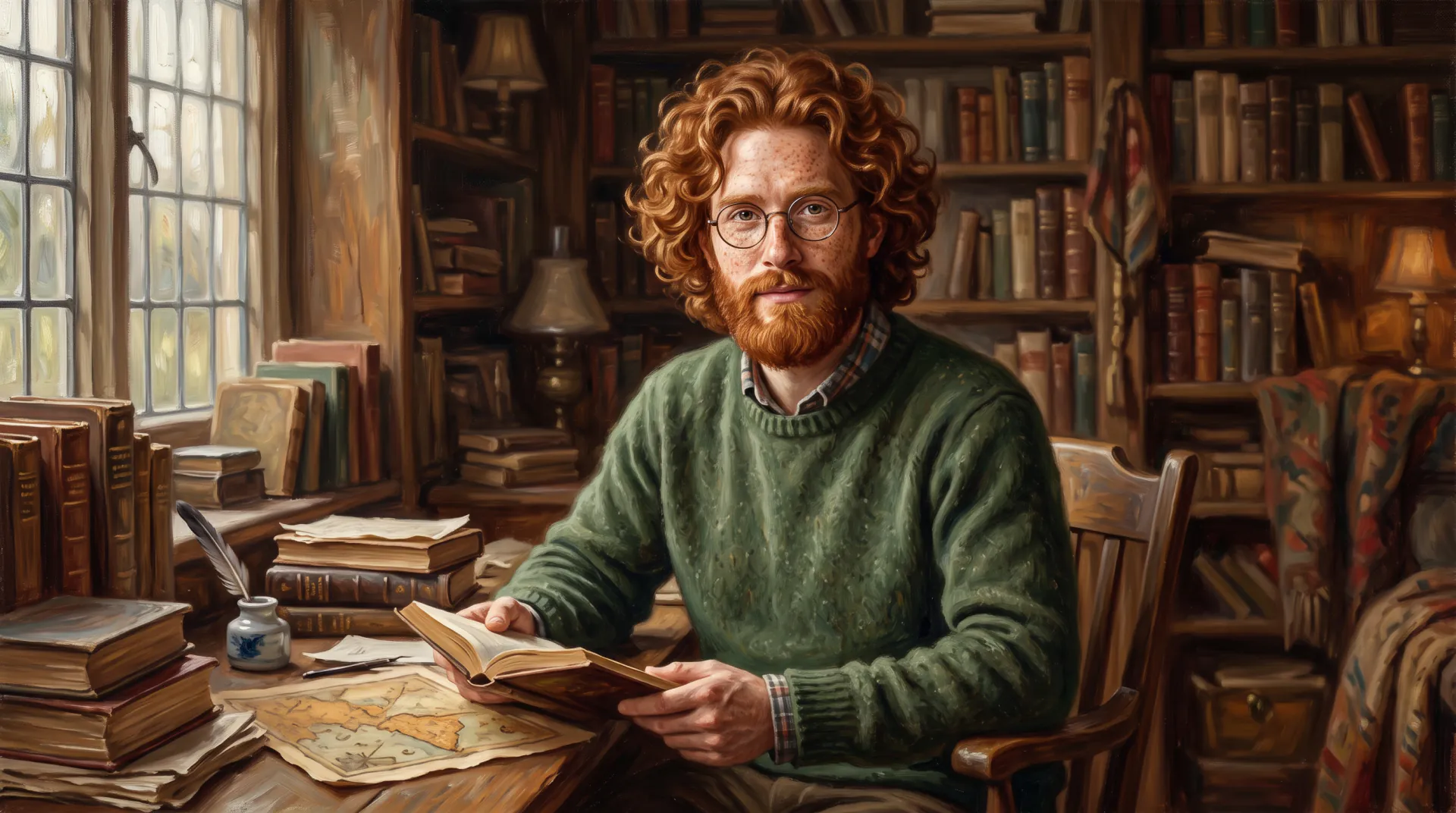
Turn a portrait, a pet or a favorite view into an oil painting with visible brushstrokes, rich color and canvas texture. Choose classical, impasto or impressionist oil and let the model do the painting.

  • Visible brushstrokes and canvas
  • Portraits, pets and landscapes
  • Up to 4K for canvas prints
1 to 3 photos: you, adults who agreed, pets or places. No children. PNG, JPEG or WebP, up to 10 MB each.
Styles
Model
Canvas shape
Resolution
Variations

20 credits

Buy credits

Add a photo to paint

At a glance

To turn a photo into an oil painting here, upload 1 to 3 photos, pick an oil style such as classic portrait, thick impasto or impressionist, and generate. The model repaints the picture with oil brushwork, glazes and canvas texture while keeping the subject recognizable. A Quick painting costs 20 credits; Fine Art costs 45 credits and goes up to 4K, 3584 × 4800 px for a 3:4 canvas.

Oil looks
Classical, impasto, palette knife, plein air, impressionist
Price per painting
20 credits with Quick, 45 with Fine Art
Largest file
3584 × 4800 px at 3:4 with Fine Art, about 12 × 16 inches at 300 ppi
Account
Free account; paintings use purchased credits
What you get
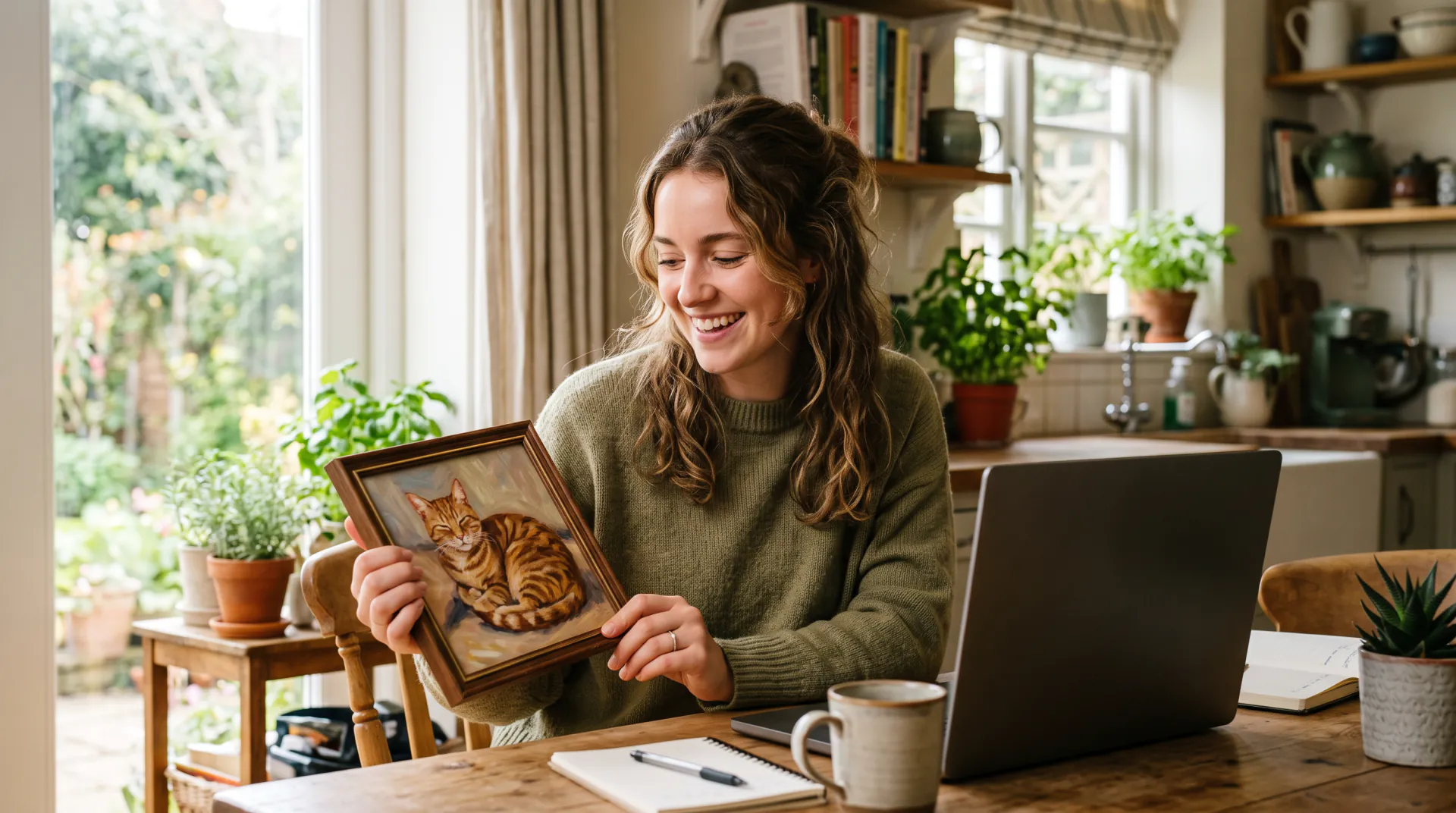
A digital image to download; no physical canvas is shipped

What makes an AI oil painting look like oil

  • 01

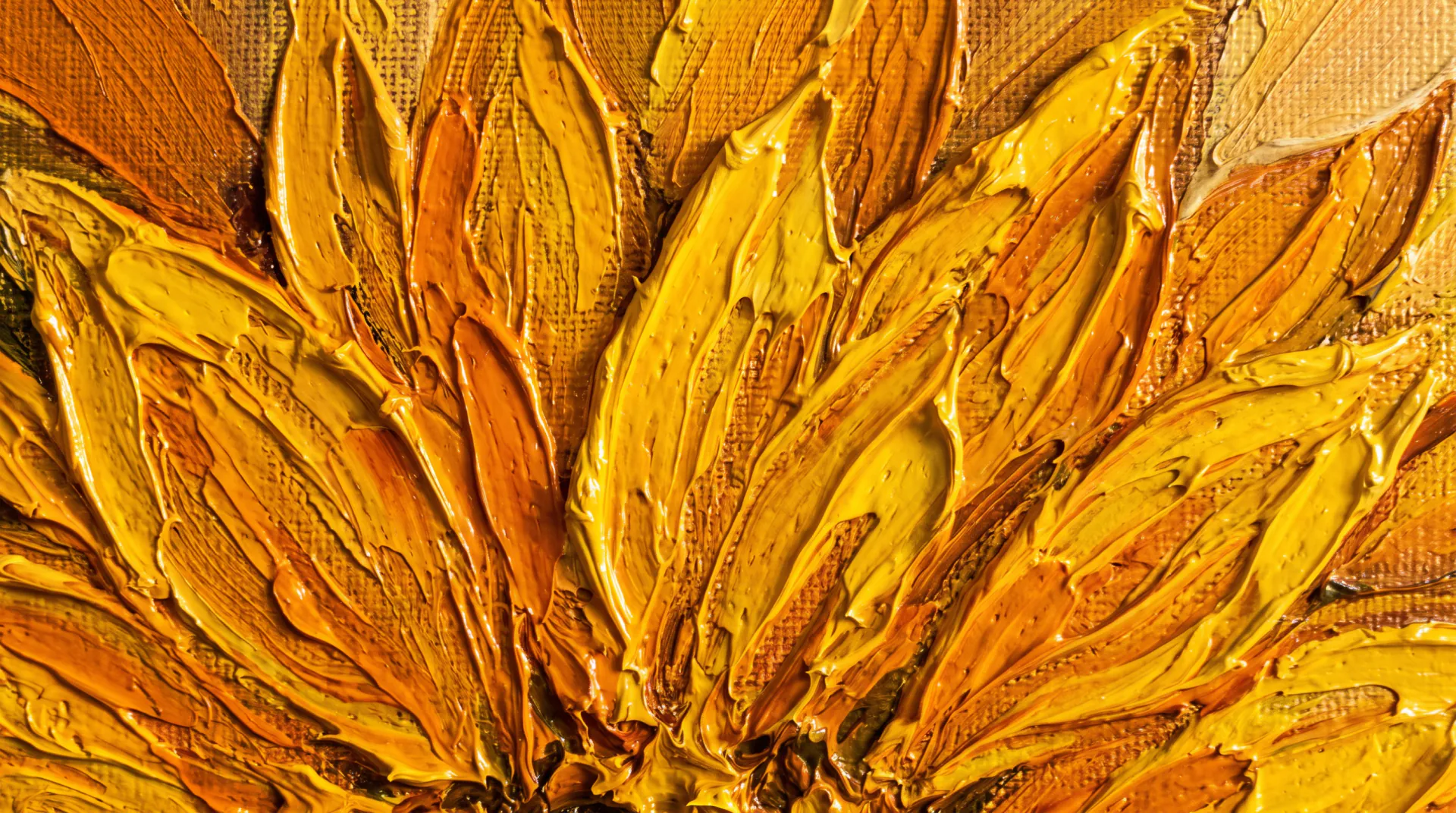
    Brushstrokes you can see

    Oil paint holds the shape of the brush. Ask for impasto or palette knife and the strokes become thick ridges that catch the light.

  • 02

    Deep, glowing color

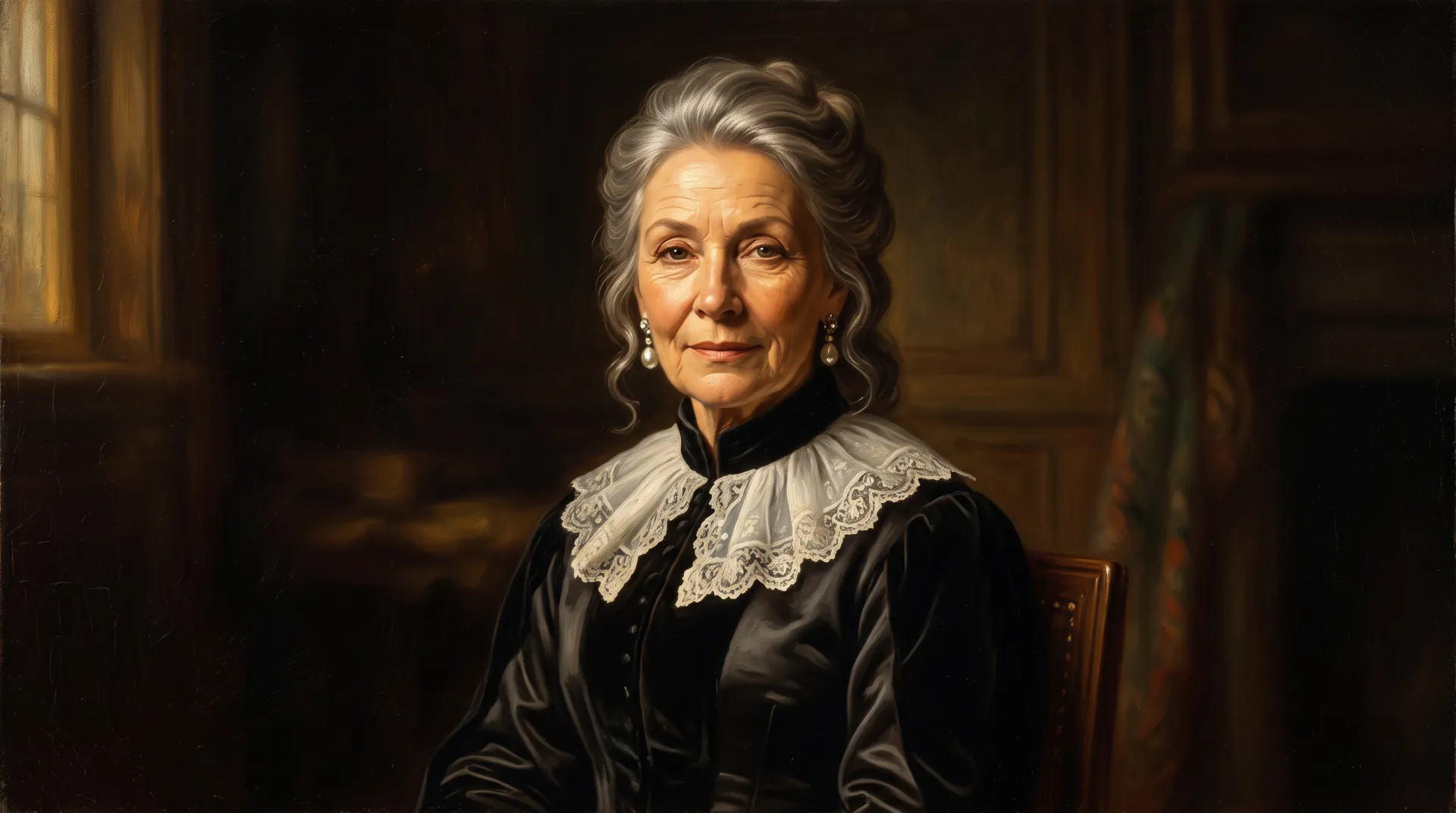
    Oil painters build color in thin glazes over dark grounds. The classic styles ask for a rich dark background and soft side light, which gives a portrait that depth.

  • 03

    Canvas texture

    A fine canvas weave shows through the thinner passages, the detail that separates an oil painting from a smooth digital render.

  • 04

    Light like a studio

    Window light from one side and a dark background give a portrait the calm, sculpted look of a traditional oil portrait.

How to turn a photo into an oil painting

  1. 01

    Upload your photo

    Choose a sharp photo with good light. Portraits, pets, houses and landscapes all work.

  2. 02

    Pick an oil style

    Classic for portraits, impasto or palette knife for bold texture, plein air for landscapes.

  3. 03

    Choose a canvas shape

    3:4 or 4:5 for portraits, 4:3 or 3:2 for landscapes; Fine Art at 4K for large prints.

  4. 04

    Compare and download

    Generate two variations, keep the one with the best likeness and brushwork, and download it.

Which oil style suits your photo

The same photo can become very different oil paintings. Match the style to the subject and to where the painting will hang:

  • Portraits of adults: classic oil portrait or Dutch Golden Age light
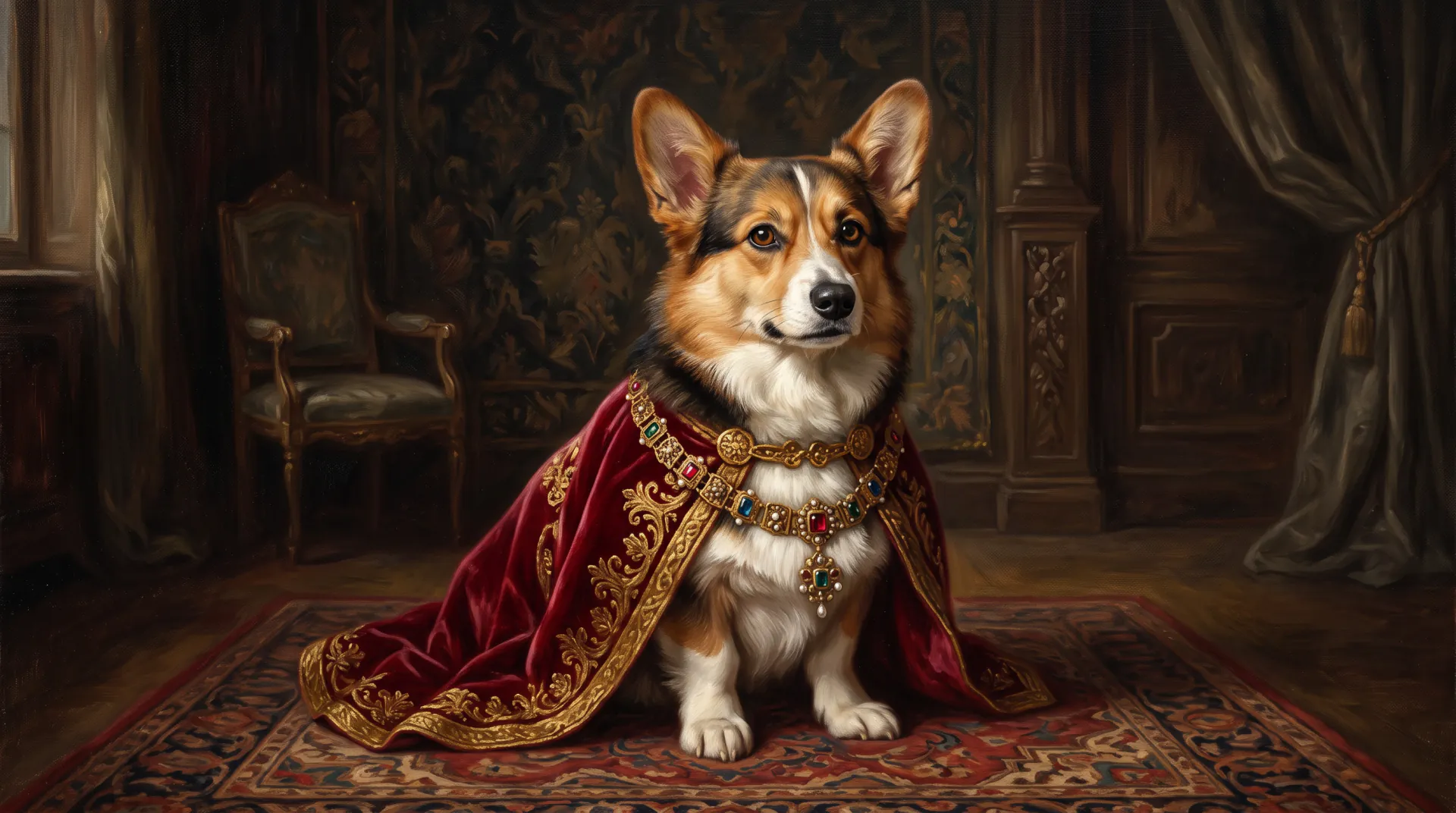
  • Pets: classic oil, or a royal portrait with a velvet cape
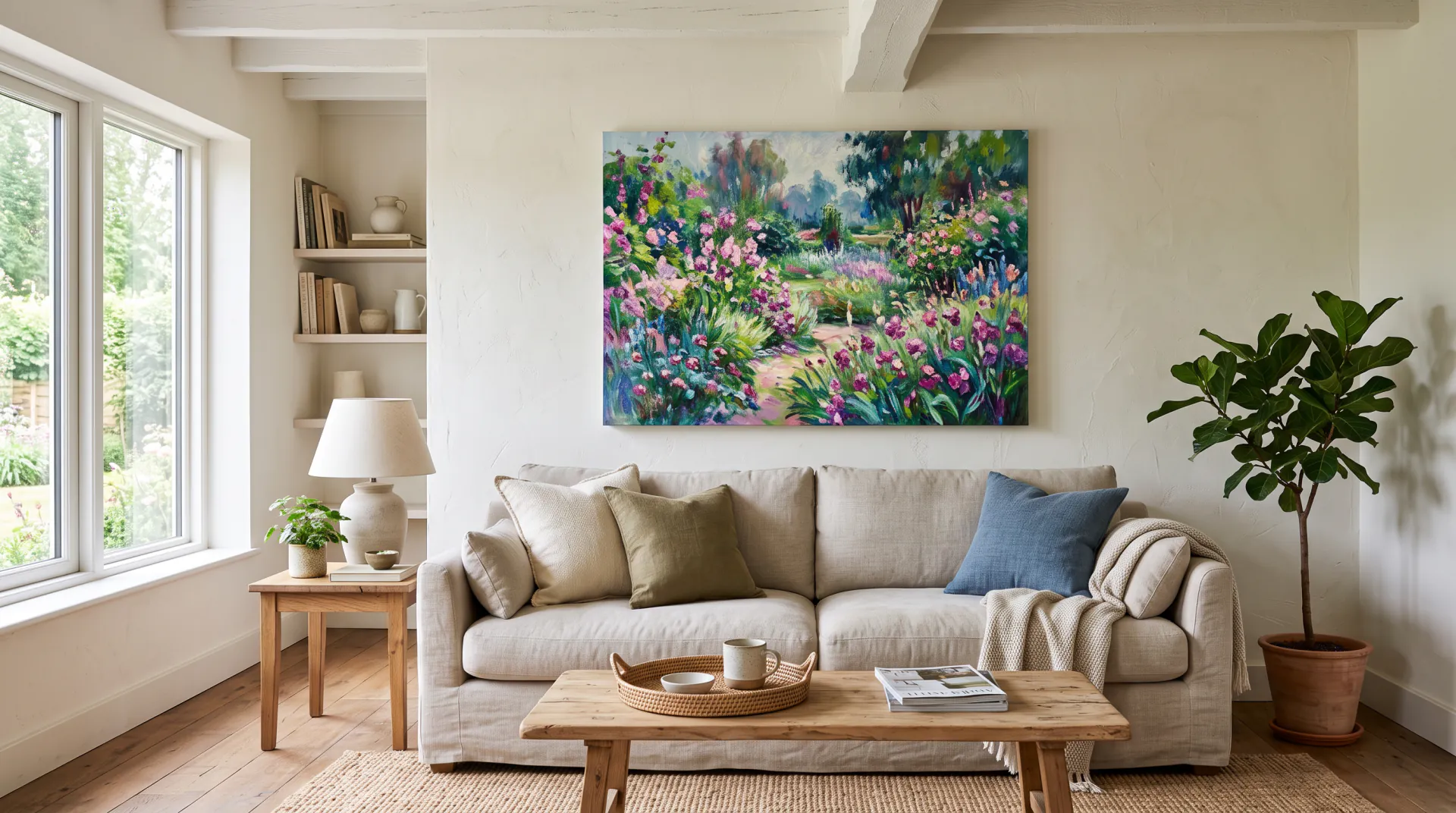
  • Landscapes and travel photos: plein air or impressionist oil
  • Houses and buildings: classic oil with soft daylight
  • Modern rooms and bold decor: palette knife or impasto
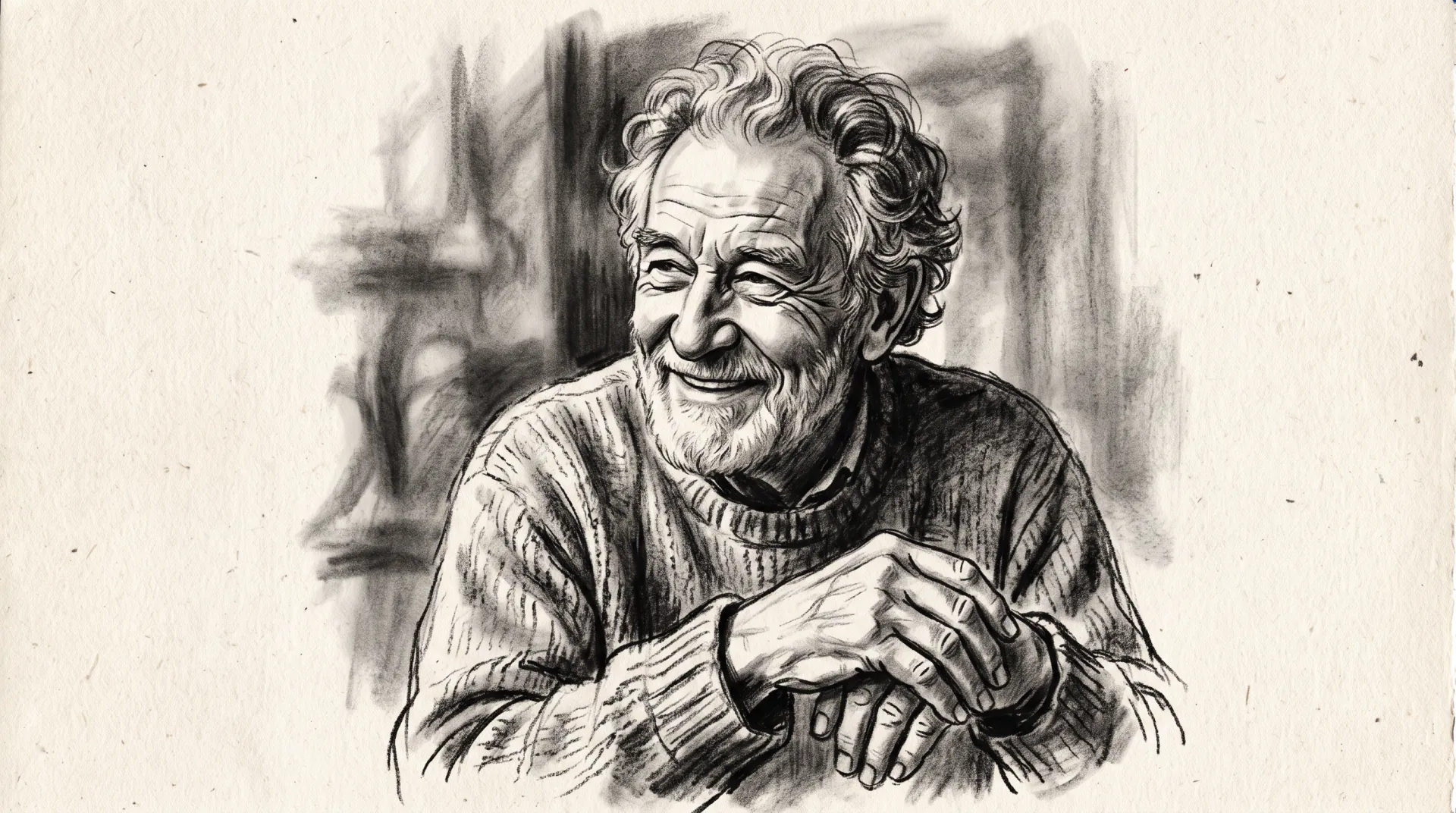
AI oil painting vs an oil painting filter

A filter keeps every pixel of the photo and adds a texture on top, which is why filtered photos still look like photos. An image model repaints the picture from scratch: it simplifies detail the way a painter would, turns edges into brushstrokes and lets the background dissolve into paint.

That is also why the result can differ from the photo in small ways. Fine Art keeps faces and markings closest; check every variation before you print it.

Printing your oil painting on canvas

The download is a digital image. If you want it on a wall, these steps give the best canvas print:

  • Generate with Fine Art at 4K: 3712 × 4608 px covers about 12 × 15 inches at 300 ppi
  • Pick the canvas shape before you generate, so nothing is cropped later
  • Matte canvas hides digital smoothness better than glossy paper
  • Leave room at the edges if the print shop wraps the canvas around the frame
  • Order a small proof first if the colors matter

Three oil looks compared

Classic oilImpastoImpressionist oil
BrushworkSmooth, blendedThick ridges of paintShort, broken strokes
LightSoft side light, dark backgroundBright, catches the textureDappled sunlight
LikenessClosestCloseLooser by design
Best forPortraits and petsBold modern decorGardens, beaches, travel

Photo to oil painting FAQ

Can AI turn a photo into an oil painting?

Yes. Upload the photo, choose an oil style and the model repaints it with oil brushwork, color and canvas texture. The subject stays recognizable, while detail is simplified the way a painter would simplify it.

Does it look hand-painted?

It imitates oil paint convincingly on screen and in prints, but it is a digital image, not paint on canvas. A printed canvas has the canvas weave of the print, not real raised paint.

Which photos make the best oil paintings?

Sharp photos with soft light and a clear subject: a portrait by a window, a pet at eye level, a landscape with a strong focal point. Dark, blurry or cluttered photos give muddy paintings.

What resolution do I need for a canvas print?

For sharp prints, aim for about 300 pixels per inch. Fine Art at 4K gives 3584 × 4800 px at 3:4, about 12 × 16 inches; larger canvases are viewed from further away and usually look fine at lower density.

How much does an oil painting cost here?

20 credits with Quick or 45 with Fine Art, about $0.18–$0.56 depending on how you buy credits. Registration is free and includes no paintings, and packs start at $4.99.

Turn your photo into an oil painting

Upload a clear photo and pick an oil style. Generation uses purchased credits; packs start at $4.99.

Last updated October 29, 2026

Create your free account