Watercolor from a photo

Photo to watercolor: soft washes and paper texture from your photo

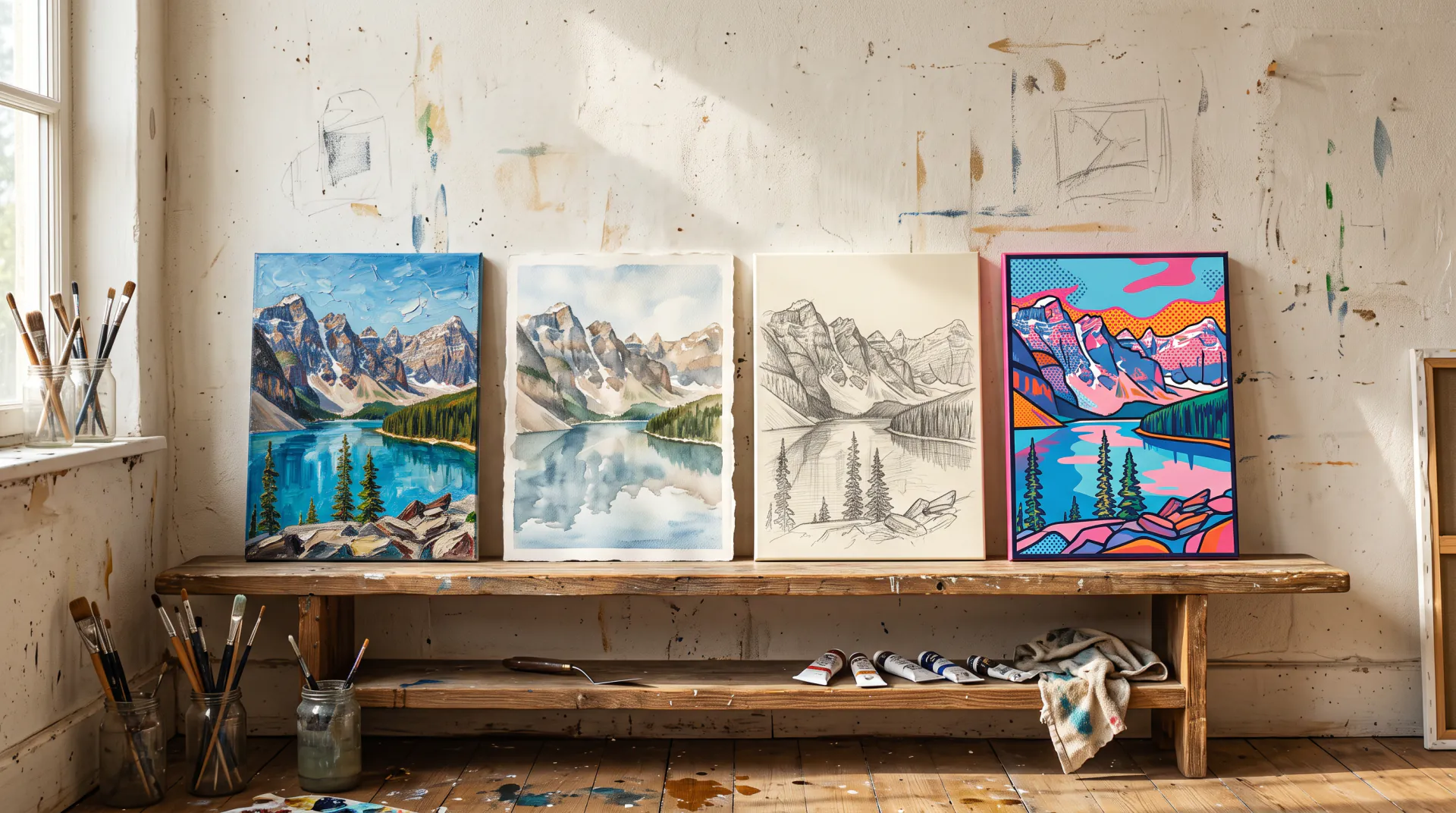
Turn a photo into a watercolor painting with transparent washes, soft edges and the white of the paper shining through. Loose and dreamy or careful and detailed, you choose.

  • Transparent washes, white paper
  • Loose or detailed
  • Houses, trips, pets and people
1 to 3 photos: you, adults who agreed, pets or places. No children. PNG, JPEG or WebP, up to 10 MB each.
Styles
Model
Canvas shape
Resolution
Variations

20 credits

Buy credits

Add a photo to paint

At a glance

To turn a photo into a watercolor, upload 1 to 3 photos, pick a watercolor style such as loose washes, detailed glazes or pen and wash, and generate. The model repaints the picture with transparent color, soft blooms and paper texture while keeping the subject recognizable. A Quick watercolor costs 20 credits and a Fine Art watercolor 45 credits, up to 4K.

Watercolor looks
Loose, detailed, pen and wash, gouache, ink wash
Price per painting
20 credits with Quick, 45 with Fine Art
Popular subjects
Houses, wedding venues, travel scenes, pets
Account
Free account; paintings use purchased credits
What you get
A digital image to download; no physical canvas is shipped

What makes a watercolor look real

  • 01

    Transparency

    Watercolor is see-through: light colors are thin washes, and darker areas are built from layers, never from white paint.

  • 02

    The white of the paper

    Highlights are paper left unpainted. Ask for lots of white paper and the painting feels airy and light.

  • 03

    Soft edges and blooms

    Wet-in-wet washes blur into each other and leave soft blooms, the happy accidents that make watercolor look handmade.

  • 04

    Paper texture

    Cold-press paper gives a gentle grain that shows in every wash; it is what separates watercolor art from a smooth digital render.

How to turn a photo into a watercolor

  1. 01

    Upload your photo

    A house, a venue, a trip, a pet or a portrait: sharp photos with clear shapes paint best.

  2. 02

    Choose loose or detailed

    Loose washes for mood and movement, detailed glazes for houses and portraits, pen and wash for a sketchbook look.

  3. 03

    Generate and download

    Compare two variations, keep your favorite and download it for a card, a frame or a gift.

Loose or detailed watercolor?

Watercolor painters fall into two camps, and so do the styles here. Loose watercolor lets colors run, leaves edges soft and suggests detail with a few strokes; it is beautiful for landscapes, flowers and moods. Detailed watercolor builds careful layers with fine brushes; it suits house portraits, venues and faces where likeness matters.

  • Landscapes, gardens and beaches: loose
  • House and venue portraits: detailed, or pen and wash
  • Pets: loose fur, crisp eyes
  • Portraits of adults: detailed, soft background
  • Travel photos: pen and wash, like a sketchbook page
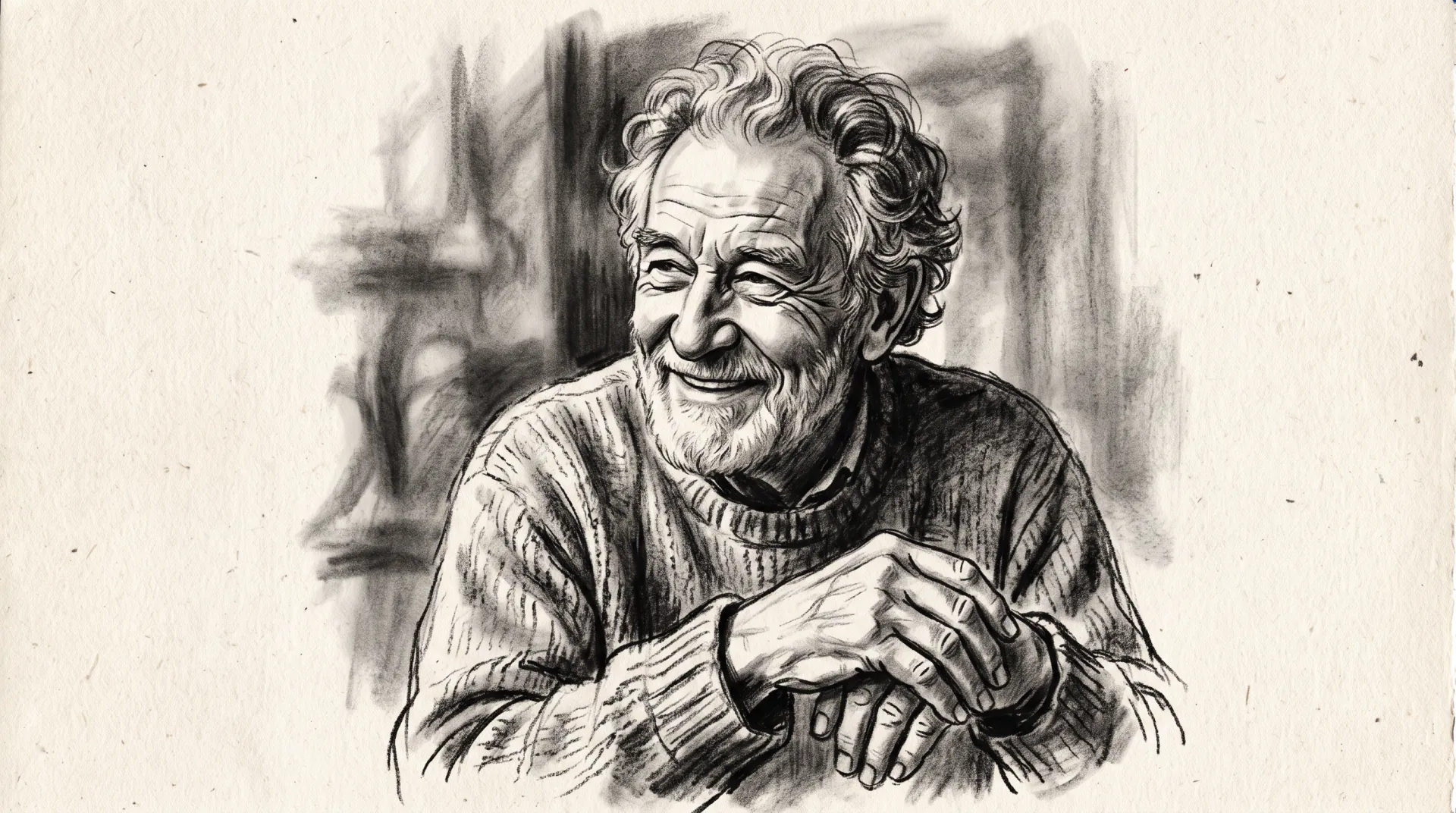
Watercolor ideas from your photos

Watercolor turns everyday photos into keepsakes:

  • Your home, for a housewarming or moving card
  • The wedding venue, for an anniversary print
  • A favorite trip, as a sketchbook page
  • A pet asleep in the sun
  • A garden in full bloom
  • A city street from a holiday photo

Watercolor, gouache and ink wash

Gouache is opaque watercolor: flat, matte color that works for storybook and poster looks. Ink wash uses black and gray ink with lots of empty paper for a calm, minimal painting. Both are in the style menu, and you can mix them, for example pen lines with watercolor washes.

Photo to watercolor FAQ

How do I turn a photo into a watercolor painting?

Upload the photo, choose a watercolor style from the menu or describe one, pick a shape and generate. The model repaints the picture with transparent washes and paper texture, and you download the result.

Can I make a watercolor of my house?

Yes. House portraits are one of the best uses: take the photo straight on in soft daylight, choose detailed watercolor or pen and wash, and use 4:3 or 3:2 for a wide house.

Why does my watercolor change small details?

Watercolor simplifies by nature, and loose styles simplify most. For more detail, choose detailed watercolor, use Fine Art, and upload a sharper photo.

Can I print it as a card or poster?

Yes, the download is yours to print. For cards, 2K is plenty; for posters, use Fine Art at 4K, for example 3392 × 5056 px at 2:3. We do not print or ship anything ourselves.

Turn your photo into a watercolor

Upload a clear photo and pick a watercolor style. Generation uses purchased credits; packs start at $4.99.

Last updated October 29, 2026

Create your free account